21/10/2026 04:39
Will the Demo Play Automatically? Telegram Download Checks for Cambodian Umbrella Shops
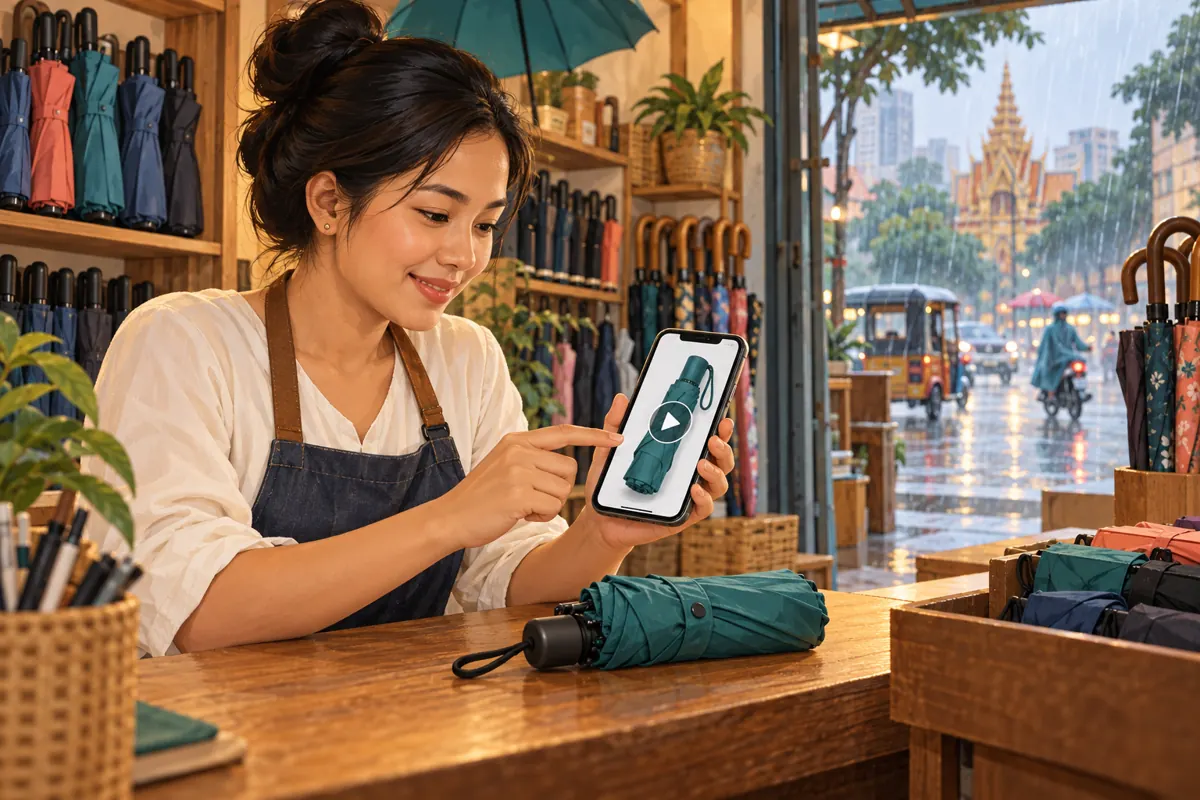
A folding umbrella demonstration can explain something a product photograph cannot: how the opening mechanism works and what the buyer must do next. But the demonstration only helps after someone chooses to watch it. A Cambodian shop preparing a Telegram promotion should also consider the customer who sees a stationary preview, waits for a download or reads the caption without opening the video. This workflow shows how to make that post useful before playback, test the viewing experience and decide whether an SMM panel service has any relevant role. The umbrella-shop examples below are hypothetical editorial scenarios, not customer results or evidence of campaign performance.
1. Start with the question the movement answers
Imagine a hypothetical umbrella shop in Phnom Penh receiving the same question repeatedly: does pressing the handle button open the canopy, close it or do both? The shop films a demonstration, but its opening shot shows only a rain-soaked street. Someone who does not start the video cannot identify the model or understand why the clip matters.
Define one viewing task before editing: the customer should understand the demonstrated model’s opening and closing sequence. Check that sequence against the actual product instructions. Keep unrelated colour comparisons and delivery announcements for separate posts. A focused demonstration gives the customer a concrete reason to download it, while making it easier for staff to judge whether the finished clip answers the intended question.
2. Separate downloading from playing
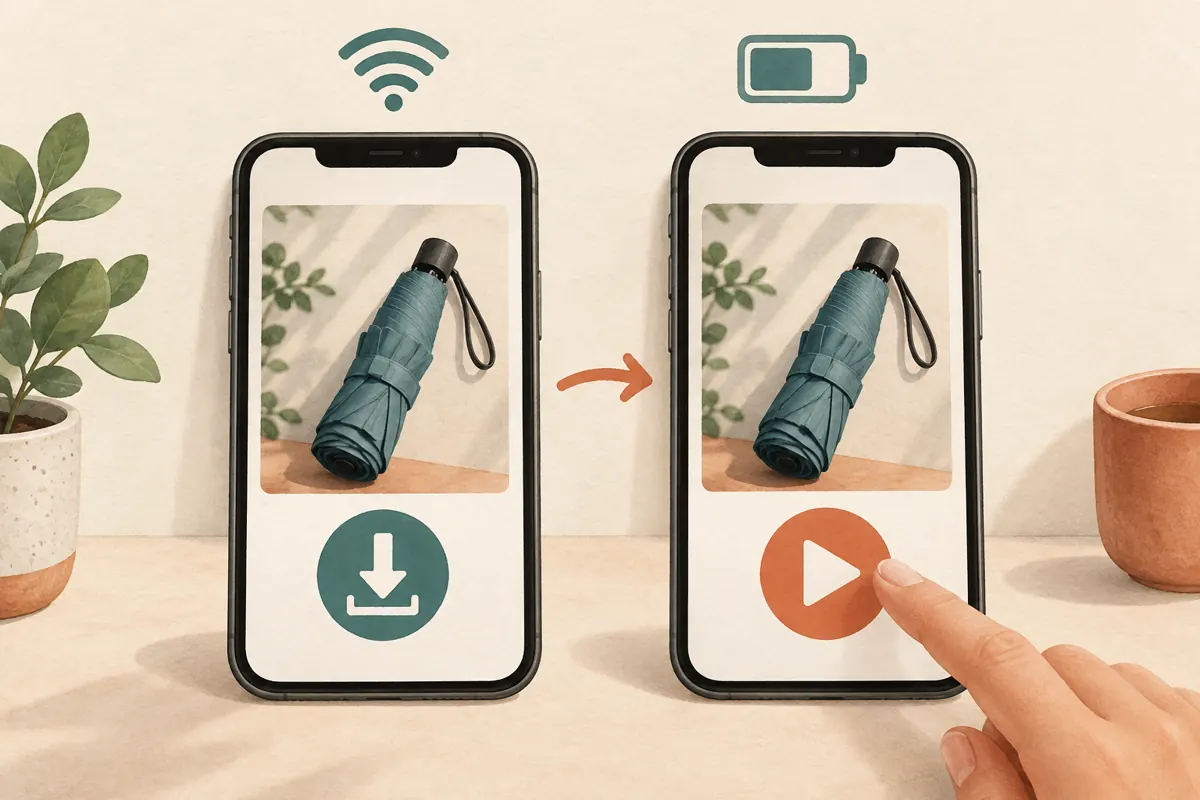
Automatic downloading concerns whether media transfers without a separate download action. Autoplay concerns whether playback begins automatically. Telegram documents automatic-download controls by connection type, chat type, media type and file size. Its guidance also describes smaller videos starting without sound. These are separate behaviours; a shop should not assume that a file reaching a device means someone watched the demonstration. See Telegram’s [automatic-download guidance](https://telegram.org/blog/autoplay).
For editorial planning, consider three possible experiences: a customer reads only the text, sees a stationary image or watches the movement. Each should provide useful information. These are review scenarios, not claims about how many Cambodian customers use particular settings. Avoid building the post around an assumed connection quality, data allowance or phone model.
3. Treat power-saving preferences as part of the viewing context
Telegram also documents autoplay controls within Settings > Power Saving and allows power saving to activate at a selected battery level. The available interface should be checked on the app used for testing rather than copied from an old tutorial. The platform’s [Power Saving guidance](https://telegram.org/blog/power-saving) explains these controls.
The practical implication is that a demonstration working automatically on the owner’s phone does not establish how it appears elsewhere. Customers may deliberately conserve battery or avoid movement on screen. Respect those choices. Do not make enabling autoplay a condition for understanding the offer, and do not ask customers to change their settings merely to see a product’s basic identity.
4. Give the post a useful text layer
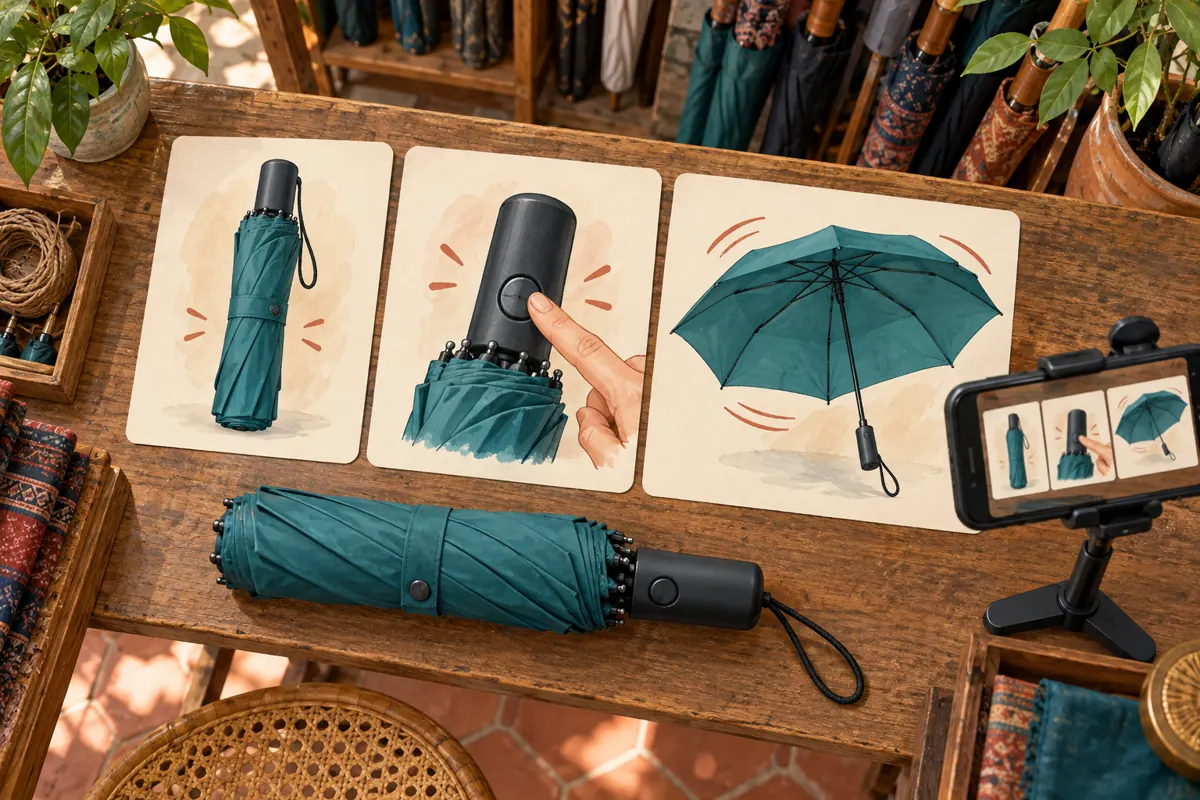
Write the caption so that it answers the main question without requiring the video. Name the demonstrated model, explain the verified mechanism and state what the clip shows. Keep the wording specific to that item. If a different umbrella beside it operates differently, make the distinction explicit rather than describing the whole shelf as automatic.
A hypothetical English caption draft could read: “Compact umbrella, model U-A. This demonstration shows the handle button opening the canopy and the manual steps needed to close and reset this model. Message us with U-A and your preferred colour to check availability.” Use that mechanism description only if the actual product supports it. For Khmer-speaking customers, have a fluent reviewer prepare and check the corresponding caption. Keep model identifiers consistent across languages.
5. Make the first visible image explain the subject
Begin the recording with the umbrella clearly visible against a quiet background. Show enough of the handle to distinguish the demonstrated item. Avoid a long logo animation, a dark frame or a close-up of rain that could belong to any product. Then inspect the preview actually presented in the published post; do not assume it matches the frame selected during editing.
Use a separate still photograph when an important detail needs inspection without movement. A handle close-up can clarify which button the demonstration refers to, while the caption explains its function. Keep that photograph tied to the same model. If the still shows another version, a more attractive image has made the explanation less reliable.
6. Reduce unnecessary footage before reducing useful detail
Review the recording for material that does not help answer the question. Remove the walk to the counter, repeated opening attempts and unrelated packaging shots. Keep the full movement needed to understand the mechanism, including any manual reset. A short clip that hides a required step can create more confusion than a longer, accurate demonstration.
Prepare a smaller export only after identifying which details must remain visible. Compare the handle button, hand position and canopy movement with the original. If compression makes those details difficult to distinguish, try a closer shot or a simpler background before reducing quality further. There is no universal file size that guarantees automatic downloading on every customer’s device. The editorial goal is a clear demonstration with little unnecessary material.
7. Test the post with a controlled comparison
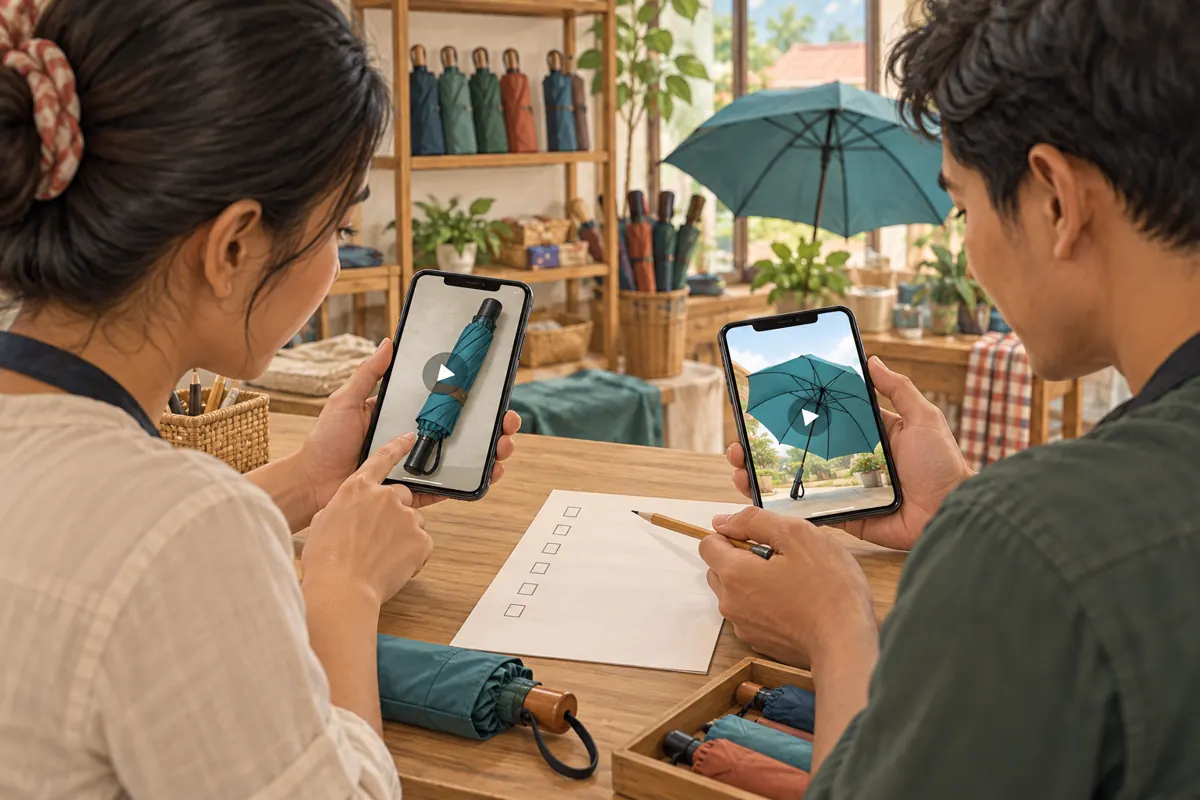
Use a consenting colleague’s device or a separate test account to review the uploaded post. First inspect it without intentionally starting playback: can the reviewer identify the model and the question being answered? Then start the video manually and ask the reviewer to describe the operating sequence. Record any missing step or uncertainty before explaining the answer yourself.
For the technical comparison, change one relevant setting at a time on the test device. Compare automatic downloads enabled and disabled, then check the available autoplay controls separately. Note the device, app version, connection and settings used. Already-downloaded media can make a repeat visit look different from a first encounter, so record whether the file was previously opened. Treat each result as an observation under those conditions, not a promise for every viewer.
8. Diagnose the problem before choosing a remedy
If the text does not identify the product, revise the caption. If the stationary preview is confusing, improve the visual introduction or add a supporting photograph. If the video loads but the mechanism remains unclear, reshoot the action. If manual playback succeeds but automatic playback does not occur, investigate the test settings before declaring the upload broken.
When the cause remains uncertain, collect a narrow description: which post, which device, whether a download control appeared and what happened after tapping it. Avoid asking for screenshots containing private conversations. Do not repeatedly upload new copies simply because one device behaved differently. That creates several destinations for staff and customers to confuse while leaving the original problem unresolved.
9. Use service fit as the SMM panel decision
An SMM panel catalogue does not solve a customer’s download or playback setting. One exact public listing supplied for kdmv-smm.com is “Telegram - Bot Start ~ Cancel Enable ~ Max 100k ~ 50k/day ~ 𝐍𝐎 𝗥𝗘𝗙𝗜𝗟𝗟”. Its title identifies a bot-start offering; the supplied description is empty. It does not establish a service for making an umbrella demonstration download, play or become understandable.
For this scenario, leave that listing out of the promotion plan. Do not invent a suitable Telegram video service from the presence of other Telegram products. If considering any service later, check the current description, required destination and applicable platform rules first. Purchased engagement is not evidence of genuine interest, sales, advertising delivery or Cambodian users. Catalogue wording also does not demonstrate official platform affiliation. Keeping the budget unspent is a reasonable decision when the service does not address the task.
10. Promote the explanation and review the questions
Once the post passes review, use the shop’s existing, permission-based communication channels to point interested customers to the demonstration. Describe the benefit plainly: it shows how this model opens and resets. Make the next action equally clear, such as sending the model code and preferred colour to check stock. A request for information should not be described as a confirmed reservation.
Review the actual enquiries that follow. If customers still ask whether the shaft retracts automatically, inspect that part of the explanation. If they ask only about colours, prepare a current colour reference rather than lengthening the mechanism video. Separate these qualitative observations from any panel order records. A counter change alone cannot tell staff whether people understood the operating steps or whether the post caused a purchase.
11. Avoid fixes that create new confusion
Common mistakes include testing only on the uploader’s phone, treating download completion as viewing, compressing until the button disappears and placing the only model identifier inside the video. Another is instructing everyone to enable automatic downloads. That shifts the burden to customers when a stronger caption could supply the essential information immediately.
Keep a short internal approval note with the final post reference, model identifier, reviewer and unresolved limitations. Record which product version was filmed, especially if a later shipment changes the handle or closing mechanism. Recheck the demonstration before reusing it for that shipment. An old video can remain technically playable while becoming commercially misleading because the product shown is no longer the product offered.
Frequently asked questions
Should we tell customers to enable automatic downloads?
Offer help if a customer asks, but do not make a settings change the default instruction. Explain what the demonstration contains and provide the essential answer in text. Someone may prefer to download later or use another connection. A useful caption lets that person decide without losing the product information.
Does a stationary preview mean the upload failed?
No. A stationary preview alone is insufficient to diagnose failure. Try manual playback on the test device and record what happens. If it plays, focus on the viewing settings and the usefulness of the preview. If it fails, investigate the specific file and app behaviour before replacing the post.
Should every demonstration be sent in the smallest possible file?
No. The smallest export may hide the detail the customer needs. Choose an export that preserves the relevant action, then remove unnecessary footage or improve the framing if the file remains inconvenient. Keep a good original recording so that later revisions do not depend on repeatedly compressing an already degraded copy.
Can an SMM panel make customers watch the operating sequence?
A panel listing cannot establish that customers understood or deliberately watched the sequence. The supplied bot-start listing does not address video playback. Evaluate understanding through relevant customer questions and voluntary review feedback. Keep any purchased activity separate from conclusions about attention, product knowledge and buying intent.
How often should a small shop repeat this review?
Repeat it when the product mechanism changes, the video is replaced or customers report a new viewing problem. Recheck after a substantial app change if the workflow depends on a particular control. Routine reuse can begin with a simpler check that the model, stock message and contact instruction remain accurate.
Explore the current service catalogue, create an account, or ask a specific question through support tickets.
- Telegram: Autoplaying Videos, Automatic Downloads and Multiple Accounts
- Telegram: Power Saving Mode and More
Prepared with AI assistance. Illustrations explain the workflow and do not represent customer results.