21/10/2026 15:44
Will the Demo Play on Your Website? YouTube Embed Checks for Cambodian Sewing-Machine Shops
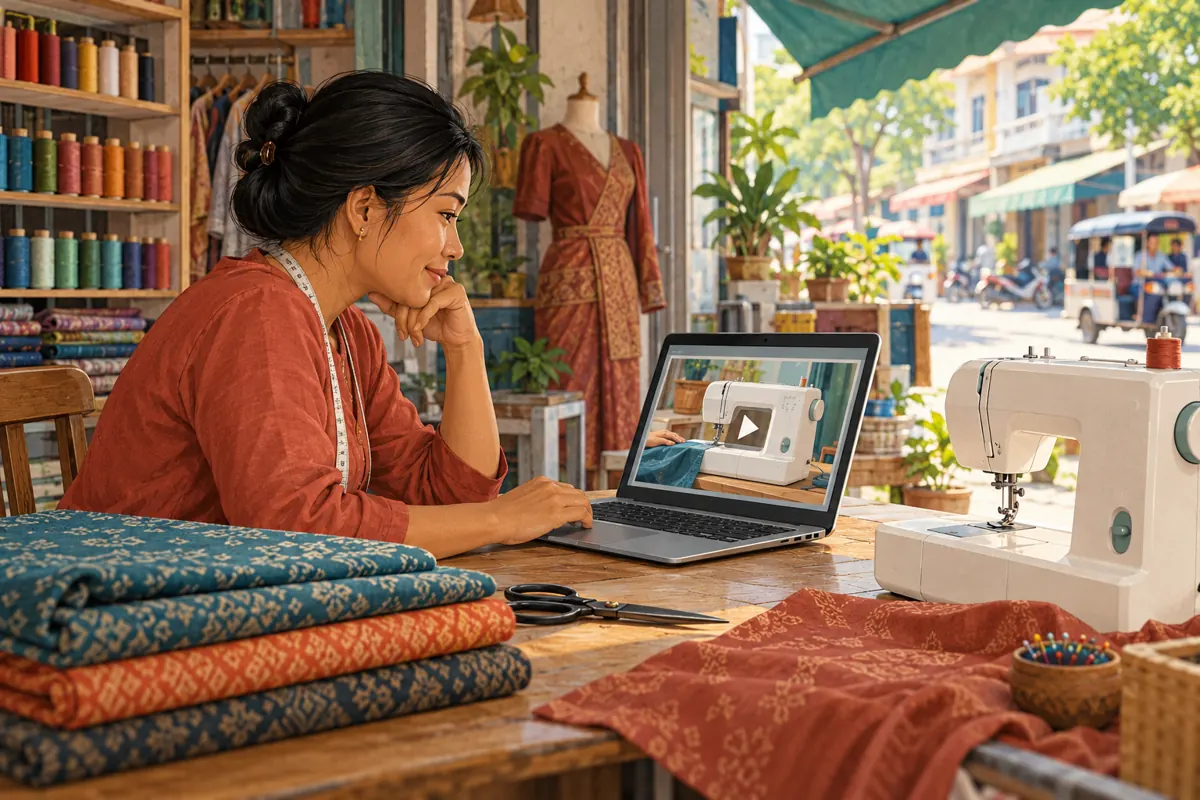
A sewing-machine demonstration can answer a practical question before a customer visits: how does the bobbin fit, which control changes the stitch, or what accessories appear in the demonstration? But a video that plays inside YouTube may still fail on the product page shared in a social post. For a Cambodian shop promoting its catalogue, that gap can leave visitors without the explanation they came for. This workflow helps the shop owner and website maintainer prepare one useful embedded demonstration, test the customer’s route and decide whether promotion is ready. It also explains why an SMM service listing cannot substitute for a working player or evidence of customer demand.
1. Choose one question the embedded demo must answer
Begin with a customer task rather than a general tour of the machine. A useful page might explain how to remove the accessory compartment or identify the presser foot shown in a product photograph. Write the question above the proposed video placement. Then watch the selected demonstration and check that it visibly answers that question without requiring knowledge from another post.
In a hypothetical example, a Phnom Penh sewing-machine shop wants to show first-time buyers how the bobbin compartment opens. Its existing video starts with a shop introduction and later shows several machines. The owner selects a clearer demonstration featuring the exact model on the product page. This is an editorial choice, not a claim that the model is suitable for every fabric or buyer.
Record the model reference, the relevant demonstration step and any accessory exclusions. Keep those notes close to the page draft so a helper can compare the physical product, the page photographs and the video before anything is promoted.
2. Keep the source video and product page identifiable
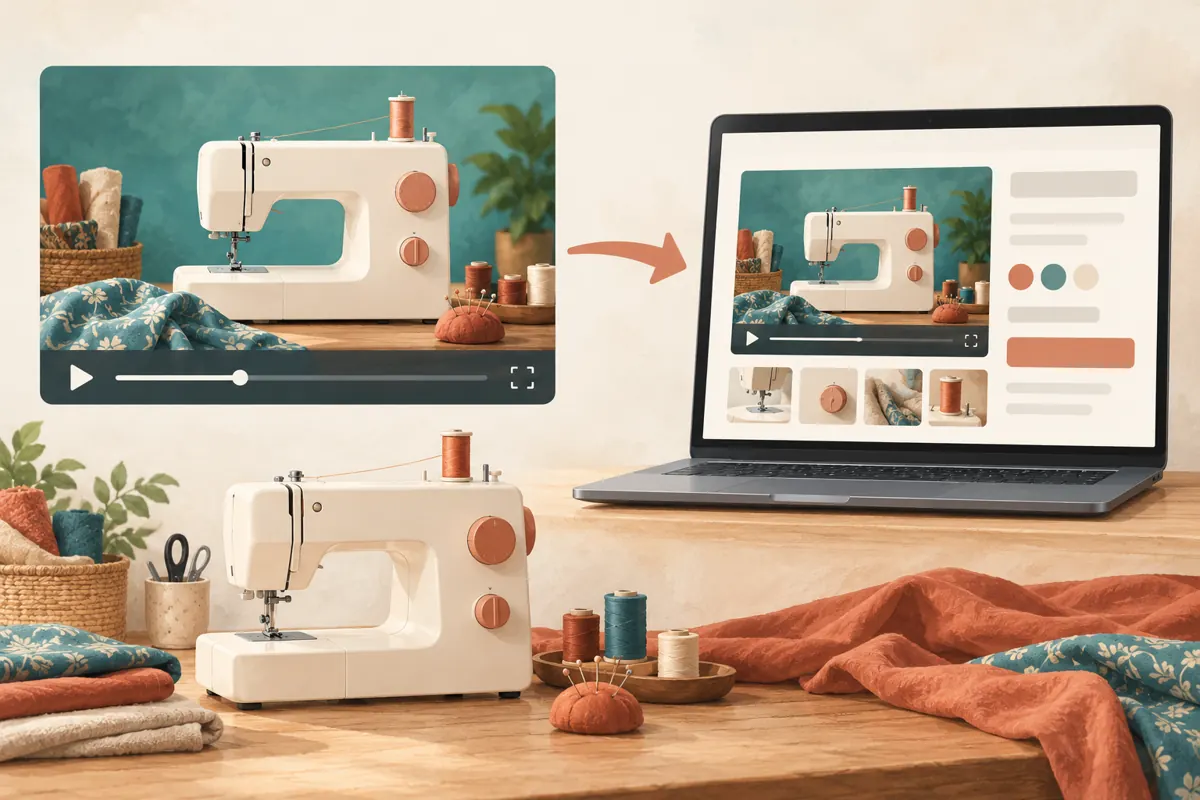
Maintain two separate references: the YouTube watch link and the shop’s product-page address. The first identifies the source demonstration; the second identifies the customer experience being promoted. An embedded player places the source inside the page, but the surrounding product description, enquiry button and stock information remain separate editorial responsibilities.
YouTube documents a desktop route through Share and Embed to obtain the player code. The uploader’s Allow embedding setting is under the video’s Details and Show more options in YouTube Studio. Have the authorized channel manager verify it when needed. See [YouTube’s embedding instructions](https://support.google.com/youtube/answer/171780?hl=en).
Give the website maintainer the approved watch link and precise placement request. For example: place the bobbin demonstration below the model photograph and above the accessory list. Avoid sending several similar links with an instruction to choose whichever looks newest. Save the selected reference with the page review date.
3. Make the surrounding explanation useful without playback
Write a short introduction beside the player explaining what viewers will see. For Cambodian customers, use the language the shop normally uses with its intended buyers, while retaining genuine model names accurately. A Khmer explanation can sit beside an English model reference without changing the website’s overall language configuration. Ask a fluent reviewer to check technical terms where necessary.
Keep essential purchase information outside the video. State which model the page concerns, whether the demonstrated attachment is included and how to ask about current availability. If a visitor cannot play the demonstration immediately, the page should still help them identify the product and formulate a question.
For the hypothetical bobbin demonstration, the surrounding copy could explain that the clip shows compartment access on the displayed sample. It should not imply that every machine in the catalogue opens the same way. Include a direct watch link as an alternative route, with wording that makes clear it opens YouTube.
4. Request a player customers can control
For this workflow, ask for playback to begin when the visitor chooses it. Someone comparing machines in a busy shop or travelling between appointments may want to read first. Keep the player controls accessible and make sure the page’s floating contact button does not cover the video’s lower edge.
Google documents autoplay, player controls and caption preferences as configurable parameters. Its player reference also specifies a minimum viewport of 200 by 200 pixels. These are implementation details for the maintainer to verify, rather than settings the shop should guess from appearance. See [YouTube’s player parameter reference](https://developers.google.com/youtube/player_parameters).
Review the actual result on a phone. Can the visitor pause at the compartment opening, replay the movement and return to the product details? If the useful action is too small to understand, consider a closer demonstration shot. Making the player larger cannot recover detail that was never visible in the recording.
5. Discuss privacy settings with precise expectations
YouTube says Privacy Enhanced Mode prevents embedded views from influencing the viewer’s personalized YouTube browsing experience; ads served there are non-personalized. It does not mean the website has no data practices to explain. See [YouTube’s privacy-enhanced embedding guidance](https://support.google.com/youtube/answer/171780?hl=en).
Ask the maintainer which player mode the page uses and how it fits the site’s existing privacy and consent arrangements. Keep the answer in the implementation notes. Avoid adding broad assurances such as completely anonymous viewing unless the business can substantiate them across the whole page.
If the site displays a notice before loading external media, test that route too. A visitor should understand what action makes the video available. Check that accepting or declining the notice does not hide the product description or prevent an ordinary enquiry. Describe the behavior actually observed instead of assuming a particular plugin handles everything.
6. Test the route from social post to demonstration
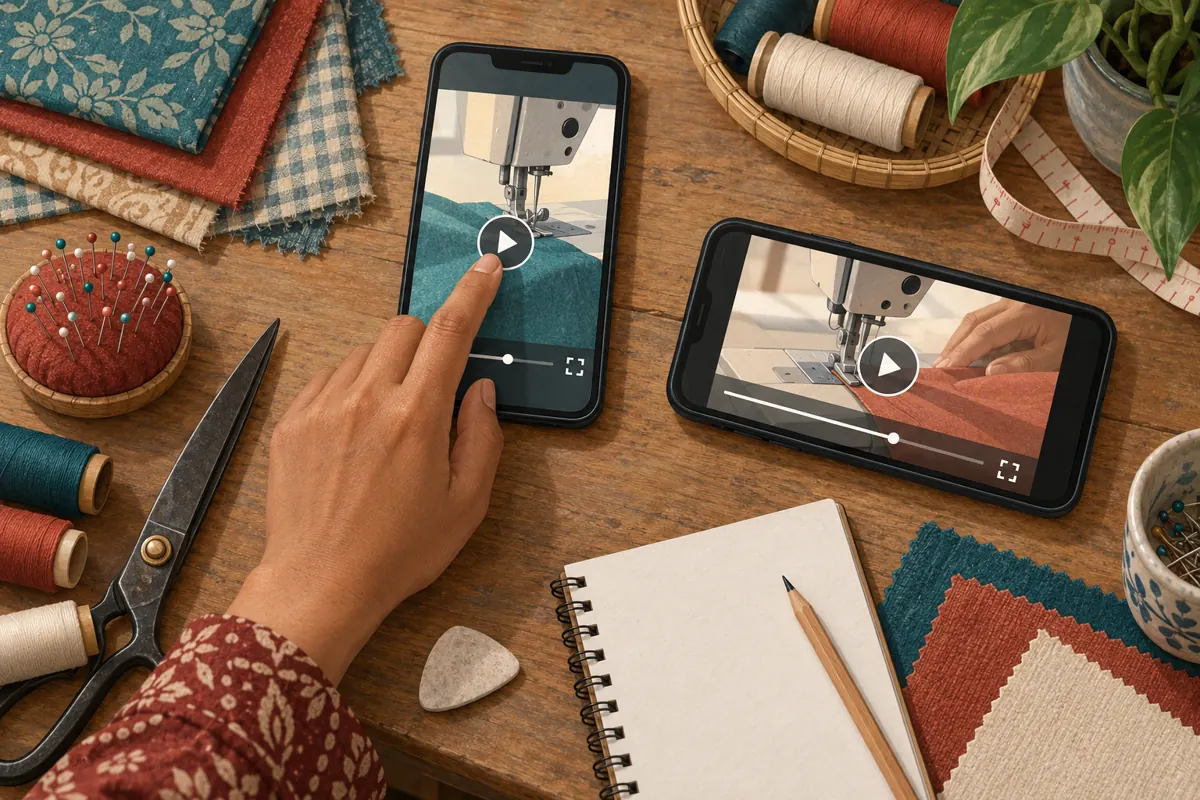
Start from the same destination link planned for the promotional post. Open it on a phone without using the website editor’s preview. Check the model name, scroll to the player, start playback, pause at the important movement and find the enquiry route. Repeat on another available device or browser when practical.
Include portrait and landscape viewing, sound off and sound on, and the connections customers are likely to use. Record the device, browser, connection and observed behavior. These checks do not prove universal compatibility, but they give a maintainer something more useful than a report that the video sometimes fails.
Ask a colleague unfamiliar with the page to perform the customer task. In the hypothetical example, ask them to locate the bobbin compartment explanation and identify the demonstrated model. Do not coach them through every tap. Their hesitation may reveal a misplaced player, unclear introduction or distracting page element that a technically successful playback test would miss.
7. Separate a video problem from a website problem
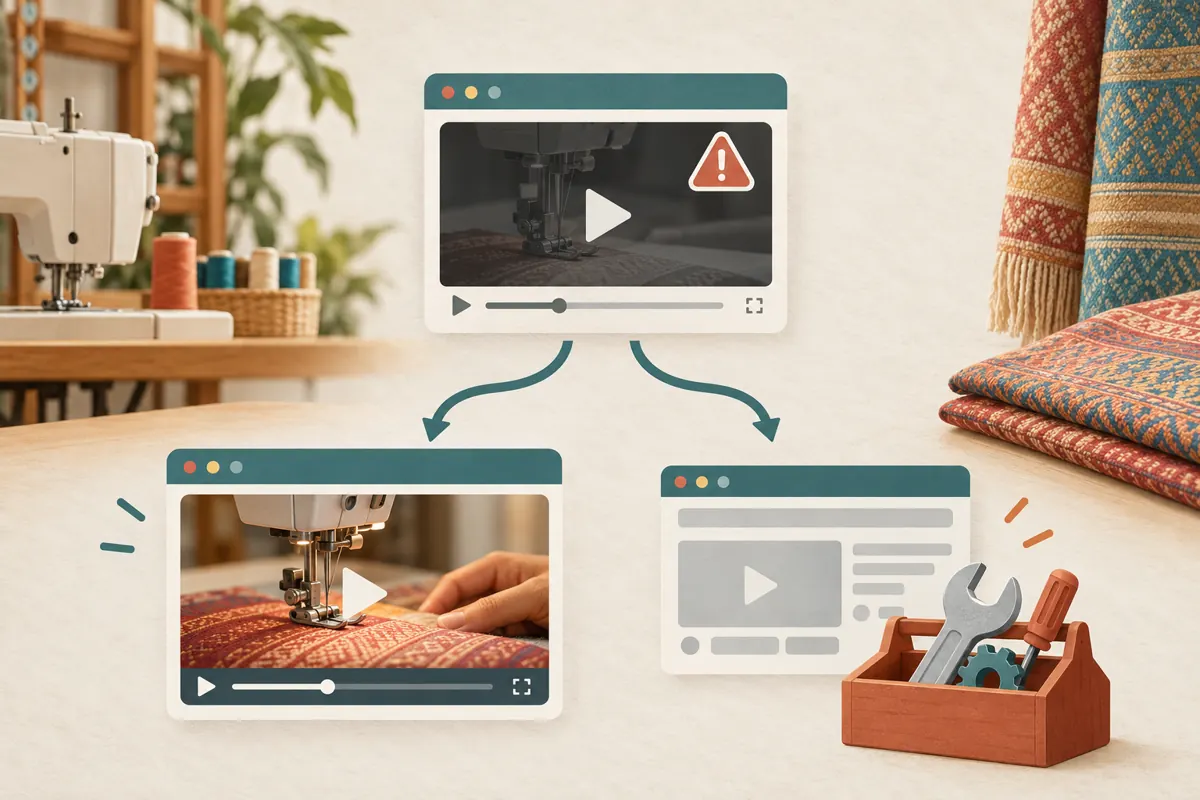
When playback fails, compare the published product page with the direct YouTube watch link on the same device. Record whether each opens and plays. If the source works but the embedded version fails, send that comparison to the website maintainer. It narrows the investigation without pretending to identify every possible cause.
YouTube states that a missing HTTP Referer can produce embed error 153. Record the error and page address for the maintainer; test within the actual webpage rather than opening the embed address alone. See [YouTube’s blocked-playback guidance](https://support.google.com/youtube/answer/171780?hl=en).
Provide the visible error wording, test time and browser details. Exclude customer messages and account information from any supporting screenshot. Keep a working direct watch link available while repairs are assessed, and pause promotional copy that promises an on-page demonstration if that experience is unavailable. After a change, repeat the same failed test before declaring the issue resolved.
8. Review SMM listings without treating labels as verification
The supplied catalogue includes the exact public service name “YouTube Views ~ Google Ads Views - 100% Real Human Traffic ~ 10k-20k/Days ~ 0-6 Hours ~ 𝐋𝐢𝐟𝐞𝐓𝐢𝐦𝐞”. It is categorized as a YouTube views offering, but its supplied description is empty. The title alone does not verify its delivery method, advertising relationship, audience origin, timing or human-traffic claim.
Before considering an order, ask what method is used and what evidence supports the description. Do not submit a product-page address to a service unless its documented input requirements accept that destination. More importantly, do not assume a service can repair an embed or attract Cambodian sewing-machine buyers because it mentions views.
YouTube prohibits artificial increases in engagement and warns that a hired promoter’s actions can affect a channel. Reject methods that manipulate metrics, and pause when the method cannot be established. Purchased engagement is not evidence of genuine interest, sales, ad delivery or Cambodian users. See [YouTube’s fake engagement policy](https://support.google.com/youtube/answer/3399767?hl=en).
9. Use a clear release decision and avoid common shortcuts
Proceed with sharing the product page when the correct demonstration plays, the surrounding offer is accurate and the enquiry route works. Hold promotion when the wrong model appears, the player repeatedly fails or an essential limitation is missing. Assign each unresolved issue to the person who can fix it, with a specific retest condition.
Common shortcuts include approving a player because its thumbnail appears, testing only while signed into the shop’s accounts and assuming a desktop success proves mobile usability. Another mistake is replacing the video reference without checking whether the page’s written instructions still describe the same machine. A visible player frame is only the beginning of the review.
In the hypothetical shop, the owner approves product facts, a colleague checks customer comprehension and the maintainer confirms playback after repairs. One person records the final decision. This small division of responsibility prevents a technical fix from being mistaken for approval of the product claims.
10. Review customer usefulness after sharing
After publication, look for concrete questions about the demonstrated task. A visitor asking whether the shown bobbin type fits their existing machine gives the shop a different kind of information from a page visit or video count. Record the question without turning it into a confirmed purchase or an endorsement.
Maintain separate notes for player problems, content misunderstandings and actual enquiries. If several people cannot identify the model, improve the explanation or framing. If the player fails on a particular route, return to the technical checks. If customers understand the demo but need delivery details, improve the relevant product-page information.
Recheck the page after changes to its theme, video reference or product offer. Keep the previous approved references so the team can identify what changed. The purpose of this routine is to preserve a useful route from social promotion to a clear demonstration and an informed conversation with the shop.
Frequently asked questions
Should the shop share the product page or the YouTube watch link?
Choose according to the customer task. Share the product page when visitors need the demonstration together with model details and an enquiry route. Share the watch link when the video itself is the useful destination. Test whichever route the post actually promises, and avoid implying that the video contains current stock information unless it does.
What if the shop has no website maintainer available?
Document the failure and use a tested direct watch link while arranging help. Keep product details in the accompanying post or another maintained destination. Do not experiment with unfamiliar embed settings simply to meet a promotional deadline. A clear working route is preferable to a page whose behavior nobody can explain.
Can a larger view count prove that the embedded demo is helping customers?
No. A count does not establish that visitors understood the bobbin step, own a compatible machine or intend to buy. Assess usefulness through specific enquiries, comprehension checks and resolved questions. Keep any promotional delivery records separate from conclusions about customer understanding or commercial results.
Must every product page use a different demonstration?
Not necessarily. A shared demonstration can be useful when it accurately applies to the models listed. State its scope and differences clearly. If the compartment, controls or included accessories differ enough to confuse buyers, use a model-specific explanation or a separate clip instead of making visitors infer compatibility.
Explore the current service catalogue, create an account, or ask a specific question through support tickets.
- YouTube Help: Embed videos and playlists
- Google for Developers: YouTube Embedded Players and Player Parameters
- YouTube Help: Fake engagement policy
Prepared with AI assistance. Illustrations explain the workflow and do not represent customer results.