19/10/2026 09:07
Real Room or AI Concept? A YouTube Disclosure Workflow for Cambodian Furniture Shops

An attractive room concept can help shoppers imagine a chair or cabinet in their home. It can also create the wrong expectation when an AI-generated scene looks like a completed installation. For Cambodian furniture businesses promoting videos on YouTube, the practical question is straightforward: what will a viewer believe actually exists? Before considering an SMM panel service, establish which images document your products, which illustrate possibilities, and how the video communicates that distinction. This workflow follows a hypothetical Phnom Penh furniture shop preparing a wooden-armchair video. The shop, scenes and decisions are illustrative examples, not a customer case study or evidence of results.
1. Give the imagined room one useful job
Start with the buying question the scene should answer. Perhaps customers struggle to picture how a wooden armchair pairs with a small side table. A room concept can illustrate that arrangement. It cannot establish the chair's actual dimensions, prove that it fits a particular apartment, or demonstrate the durability of its joints. Write one sentence defining the concept's purpose before creating the image.
In the hypothetical shop, the brief is: show a possible reading corner around the chair we currently display. The team rejects a broader idea showing an entire furnished apartment because the shop cannot supply every object pictured. This keeps the video focused and gives the seller a manageable promise to explain when someone asks what is included.
2. Sort the footage by what it can establish
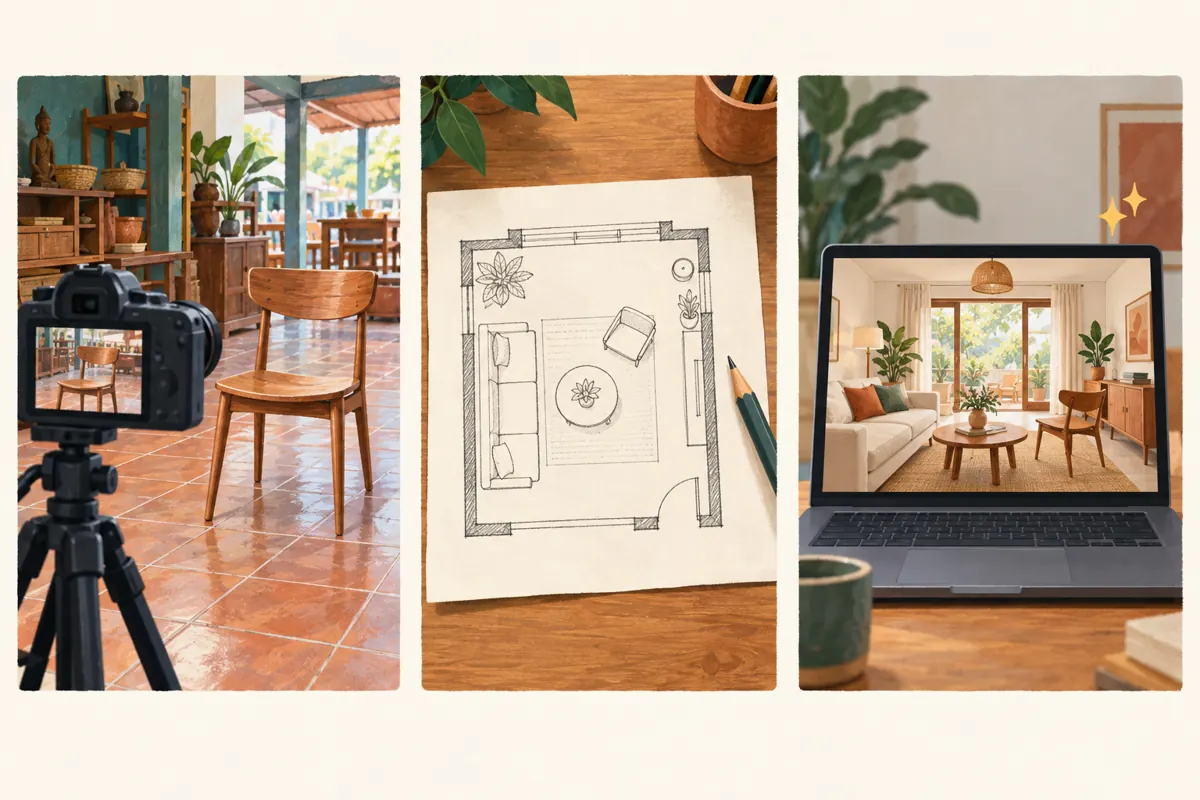
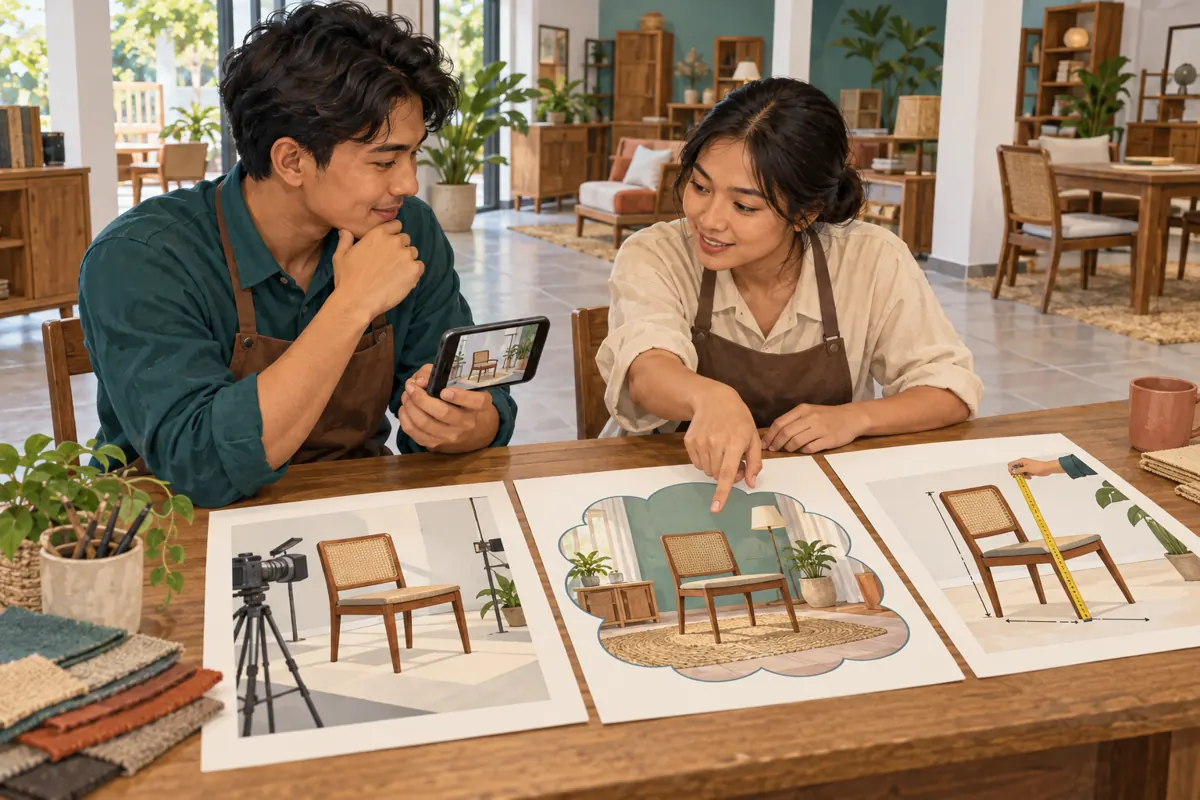
Review each planned shot and classify it as recorded product footage, a clearly illustrative drawing, or a realistic AI-generated scene. Record the classification beside its position in the edit. A camera recording of the showroom chair can show its visible construction. A drawing can explain an arrangement. A generated interior can suggest a mood, but its appearance alone verifies neither the product nor the room.
Mixed videos need particular care. A smooth transition from showroom footage into a realistic furnished room can suggest that both were filmed. Mark the transition in the storyboard and decide where an explanation should appear. Keep the original product footage available so the reviewer can compare the concept with the object being sold without relying on memory.
3. Apply YouTube's disclosure rule to the actual scene
YouTube requires disclosure for realistic AI-generated or meaningfully AI-altered content, including realistic scenes that never occurred. Its guidance distinguishes these from minor aesthetic edits and clearly unrealistic content. A photorealistic AI room presented in a furniture video therefore calls for disclosure under this workflow's application of that rule. A simple hand-drawn layout presents a different case. The official guidance is listed in the sources.
Make the decision from the finished visuals, not the name of the software. In the hypothetical example, the shop keeps genuine chair footage but adds an invented, realistic apartment interior. The editor marks that sequence for disclosure. If the team cannot explain whether a supplier's clip was filmed or generated, it asks for clarification or replaces the clip with material whose origin it understands.
4. Check the furniture before approving the concept
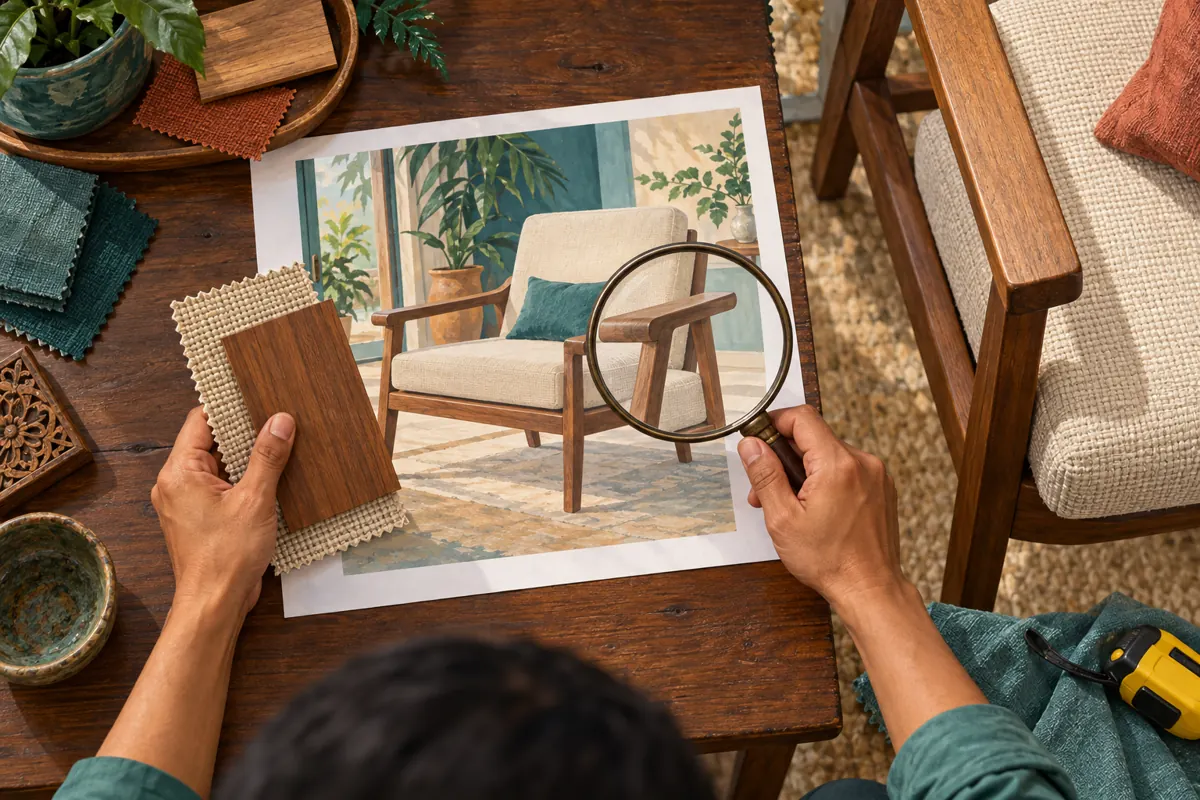
Compare the imagined chair with the actual item from several angles. Examine the arm shape, leg placement, upholstery, finish, cushion seams and visible hardware. An attractive generation may quietly add a thicker cushion or change the backrest. If that changes what a buyer expects to receive, correct the scene or remove it. A disclosure about AI does not resolve an inaccurate product depiction.
For the hypothetical reading corner, the reviewer notices that the generated chair has rounded arms while the stock item has flat arms. The team rejects that image. It also checks that surrounding decorations will not look like included accessories. Keep dimensions tied to measured stock or approved specifications; do not estimate them from an invented room. Where fit matters, request the customer's measurements privately before recommending an arrangement.
5. Explain the concept where viewers encounter it
Use a short, direct explanation at the first imagined scene. An illustrative English line is: AI room concept; actual chair shown in the showroom footage. For a Khmer-speaking audience, have a fluent reviewer prepare and check the equivalent wording. Match the spoken explanation and visible label to the audience rather than assuming an English technical term will be understood.
Keep the explanation visible long enough to read without covering the furniture detail being discussed. Repeat the distinction when the edit returns to another generated room after a substantial gap. A description can add context, but the video itself should remain understandable to someone who never expands it. Avoid vague wording such as enhanced visuals when the important fact is that the room was never photographed.
6. Complete the platform disclosure and viewer check
YouTube's current help instructions direct creators to the AI use setting during upload; its mobile instructions place this under Attributes. Select Yes when the content meets the disclosure requirements. YouTube then applies an AI disclosure label. Consult the linked instructions for the device being used, since the team should follow its actual interface rather than an old screenshot.
After processing, review the viewer-facing video and its explanatory wording. Check the first generated scene, every return to actual footage, and the ending. YouTube says disclosure alone does not limit audience or monetization eligibility; that statement does not promise distribution or commercial success. Keep the saved disclosure decision with the approved edit so a later revision is reviewed against the same factual context.
7. Make the title, thumbnail and enquiry agree
A clear video can still create confusion if its packaging suggests a completed customer project. For the hypothetical shop, a title such as Wooden Armchair: Showroom Details and a Reading-Corner Concept explains both parts. Avoid calling the invented room a Phnom Penh customer installation. Choose a thumbnail that supports the same distinction and does not imply that the shop furnished a property it never visited.
End with a specific next step: ask about the pictured chair's current finish options or arrange a showroom visit. Explain separately if a table, rug or lamp is only decorative. If the video discusses pricing, identify the item and currency clearly, and distinguish delivery or optional accessories. These details turn a visual idea into an enquiry the staff can answer without first undoing assumptions.
8. Evaluate an SMM listing without treating it as proof
The supplied kdmv-smm.com catalogue includes the exact public service name YouTube Like ~ Max 100k ~ 50k/days ~ Instant ~ 𝐍𝐎 𝗥𝗘𝗙𝗜𝗟𝗟. Its title identifies a YouTube-like offering, but the supplied description is empty. The wording does not establish how engagement is obtained, who participates, or whether any participant is in Cambodia. Treat its speed and quantity wording as listing claims, not verified performance.
YouTube prohibits artificial increases in engagement and warns that a hired promoter's actions can affect a channel. Before any purchase, require a clear explanation of the proposed method and assess it against the official policy. If the method artificially inflates metrics, do not proceed. Purchased engagement is not evidence of genuine interest, sales, ad delivery or Cambodian viewers, and it cannot validate the accuracy of an AI room concept.
For this furniture video, promotion spending should follow a useful, accurate asset and a permitted method. A service name containing a platform brand does not establish official affiliation. If the available listing leaves the method unresolved, keep the purchase on hold and direct effort toward real product footage, clear enquiries and distribution to people who have chosen to hear from the shop.
9. Rehearse a buyer's questions before promotion
Ask a colleague who did not edit the video to watch it once on a phone. Then ask what was actually filmed, which furniture is available, and whether the room belongs to a customer. These are comprehension checks, not a market survey. If the colleague believes the apartment is a completed installation, revise the transition and explanation before sending the video further.
In the hypothetical rehearsal, the colleague correctly recognizes the room as imagined but assumes the side table comes with the chair. The shop adds a clear accessories explanation and changes the closing shot to the chair alone. Staff also prepare a response for viewers requesting the whole room: explain the concept, identify the supplied item, and discuss confirmed options without inventing availability.
10. Correct misunderstandings at their source
Watch for questions revealing a mistaken interpretation: Can I visit that apartment? Is the lamp included? Will this cabinet fit exactly as shown? Answer the individual question, then inspect the scene that caused it. Repeated confusion is a reason to improve the video or its packaging, even when the platform disclosure was completed correctly.
Common mistakes include hiding the explanation at the end, assuming an AI label verifies product details, and letting a generated room stand in for a measurement check. Another is treating an increase in likes as confirmation that viewers understood the offer. Record actual questions separately from engagement totals. Use those questions to decide whether the next useful asset should be a close-up, a measured demonstration or a clearer concept explanation.
Frequently asked questions
Does using AI to help write the script mean the whole video needs an AI label?
YouTube lists script assistance among examples that do not require disclosure on their own. Review the finished video separately: adding a realistic generated room changes the assessment. Keep a simple record of which tools affected planning and which affected the visuals or audio viewers actually encounter.
Can a real chair photo be placed inside an AI-generated room?
It can serve as a concept, provided the product remains accurate and the invented setting is explained. For a realistic composite, apply the disclosure workflow described here. Inspect the chair's edges, proportions and finish after compositing, and avoid suggesting that the pictured placement proves fit in a customer's home.
Is the YouTube disclosure enough to explain what the customer can buy?
The platform label identifies AI involvement; your sales explanation must identify the actual offer. State which item is available, which elements are illustrative and which details need confirmation. A shopper should not have to infer whether the sofa, rug and lighting are included simply because they appear together.
Should the shop remove every concept if one viewer misunderstands?
First identify the misunderstanding and its likely cause. A vague title may need correction, while an inaccurate chair depiction may require replacing the scene. If the concept cannot be explained without lengthy qualifications, use actual showroom footage and a simple layout drawing instead. Choose the format that makes the buying decision clearer.
Can SMM likes show whether Cambodian shoppers prefer the room design?
No. Purchased likes cannot establish location, buying intent or informed preference. Ask interested customers a concrete question, such as which arrangement leaves enough walking space in their room, and consider the answers alongside measurements and real enquiries. Keep any service-delivery record separate from conclusions about customer demand.
Explore the current service catalogue, create an account, or ask a specific question through support tickets.
Prepared with AI assistance. Illustrations explain the workflow and do not represent customer results.