20/10/2026 11:21
Old Bundle Still in the Demo? YouTube Trimming for Cambodian Camping Shops

A useful tent demonstration can outlast the offer recorded inside it. The assembly steps may still answer customers’ questions, while a short announcement promises a lantern that the shop no longer includes. Sharing that video again can create an avoidable disagreement at pickup. For Cambodian camping businesses promoting through YouTube and other social channels, the first decision is whether removing the outdated passage leaves a complete, honest demonstration. This workflow explains how to make that decision, prepare an edit, inspect the result and review any associated SMM panel activity without confusing engagement counts with customer understanding.
1. Identify the promise that has expired
Start with the exact mismatch between the video and the current offer. Is the lantern no longer included, has the tent model changed, or does the shop now sell the groundsheet separately? These are different problems. Write one sentence describing what a viewer could reasonably believe after watching, then compare it with what staff can actually supply.
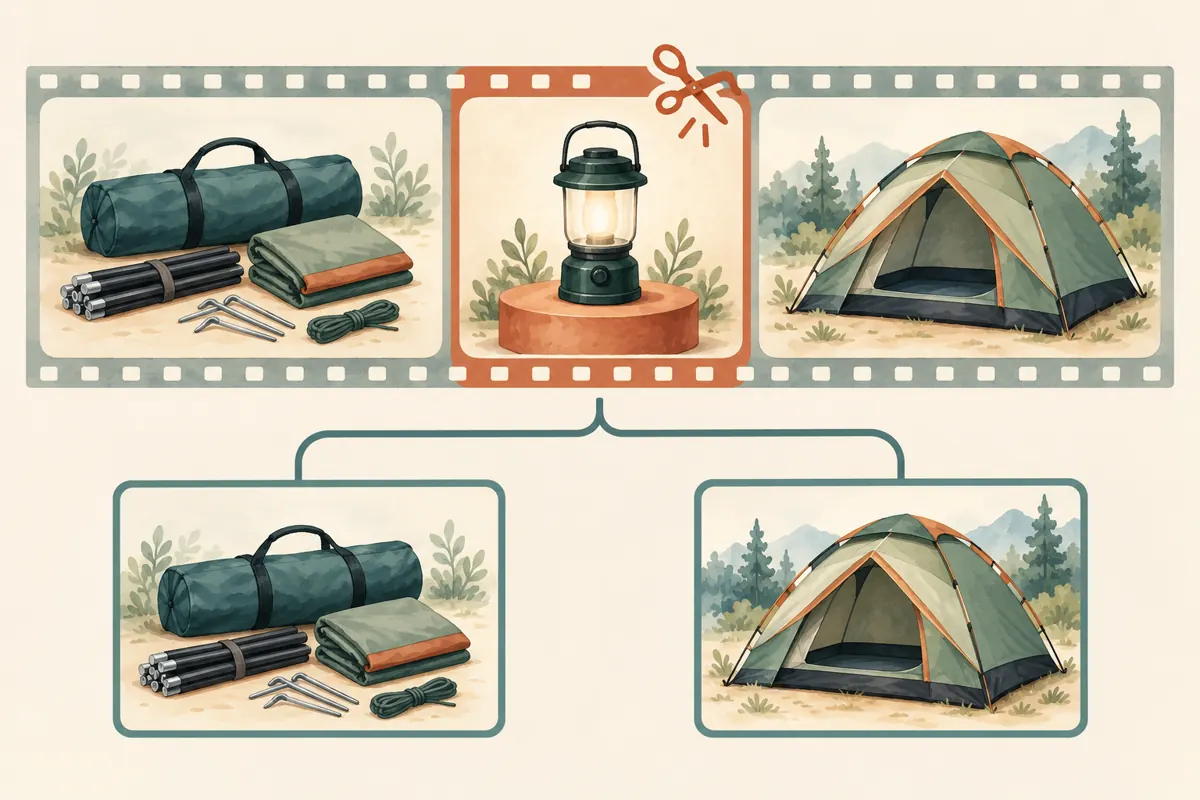
In a hypothetical Phnom Penh camping shop, a demonstration shows the correct tent and assembly method but includes a separate announcement about a complimentary lantern. The promotion has ended. The owner wants to keep the useful setup explanation while removing the expired promise. This is a possible trimming task because the offer occupies a distinct passage; it is not woven through every step.
2. Decide whether a cut can preserve the meaning
Watch the full demonstration before selecting an edit. Mark every place where the old bundle appears in speech, graphics or product arrangement. A lantern standing beside the tent is not automatically a promise, but repeated references to everything shown being included create a stronger implication. Removing one spoken sentence may leave that implication intact.
Use three practical outcomes. Trim when the obsolete passage is isolated and the remaining demonstration stands alone. Revise supporting information when the video remains accurate but the description contains old terms. Record a replacement when the product, included parts or instructions have materially changed. Keeping an established link is useful only when the content behind it still helps customers make an informed choice.
3. Preserve the source and define the cut
Keep the original recording and any editing project somewhere the responsible staff member can retrieve them. Make a short edit note containing the video title, public URL, obsolete statement and proposed boundaries. These notes explain the business reason for the change; they should not contain customer conversations, account passwords or unrelated order records.
YouTube says saved Studio editor changes can no longer be reversed through Revert to original, following its June 2025 change. Its trimming feature applies to videos shorter than six hours. Some unedited videos above 100,000 views may have saving restrictions, with an exception for YouTube Partner Programme channels. Check eligibility before planning the work. These limits are documented in [YouTube’s trimming guidance](https://support.google.com/youtube/answer/9057455?hl=en-uk).
4. Make the edit in YouTube Studio
On a computer, open YouTube Studio, select Content, choose the video and open Editor. Under Trim and cut, adjust the blue boundary to retain the required beginning and ending. For an internal passage, choose New cut and mark the section to remove. Use Preview before saving. YouTube says trimming preserves the video URL, view count and comments. Follow the official [Trim your videos instructions](https://support.google.com/youtube/answer/9057455?hl=en-uk).
For the hypothetical camping shop, choose boundaries around the complete lantern announcement rather than cutting midway through a sentence. Keep enough surrounding context for the presenter’s next instruction to make sense. If the next line says to attach the item just discussed, establish what that item is before approving the removal. A visually clean join can still produce a confusing explanation.
5. Preview as a first-time buyer
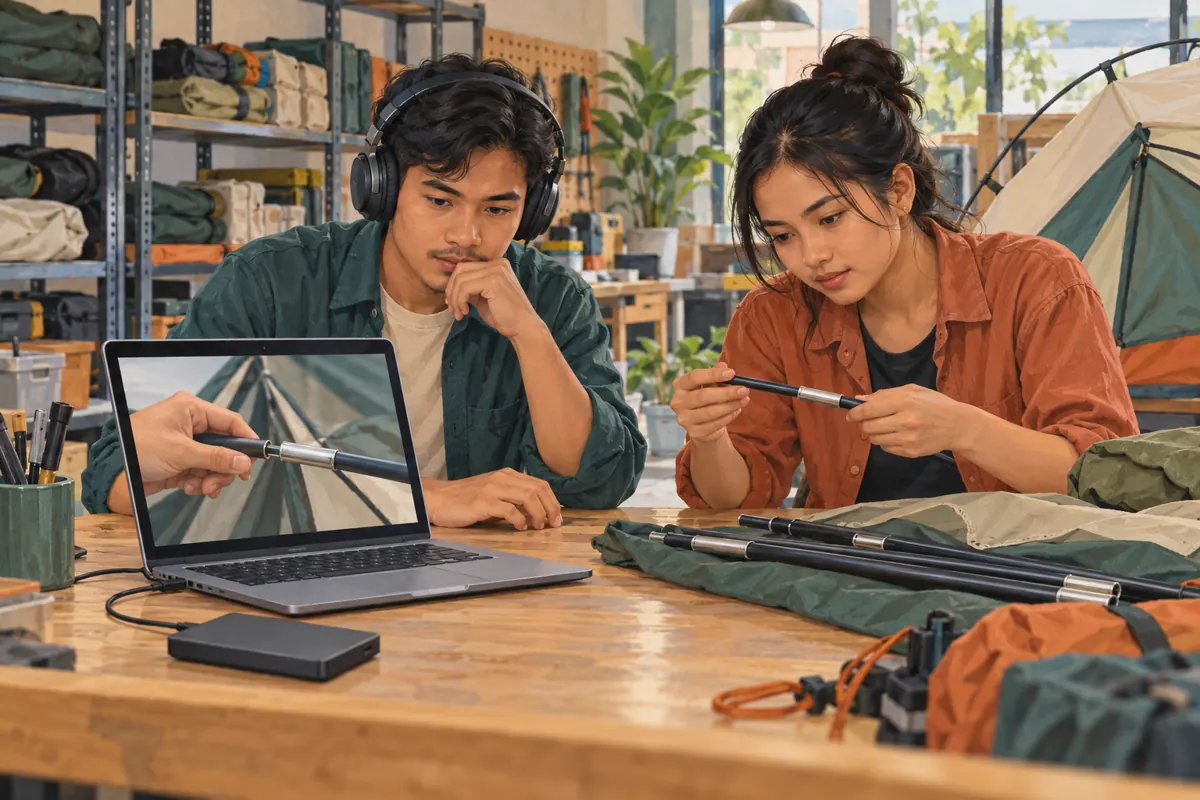
Ask someone who did not prepare the edit to watch from before the join until after the next assembly step. Have them explain which parts are included and what action comes next. Do not first tell them what the video is supposed to mean. Their explanation can reveal a missing reference that an editor fills in from memory.
Listen through headphones, then watch on a phone with the sound off. Check whether a word is clipped, a subtitle carries the old promise or an accessory remains presented as part of the package. Preserve any necessary handling instructions. Never shorten a demonstration by removing a caution simply because it sits beside the expired offer. If the useful instruction cannot be separated clearly, make a replacement recording.
6. Align the information around the video
Review the title, thumbnail, description and any shop-authored comments that describe the bundle. A corrected demonstration still misleads if the thumbnail advertises a free lantern. Write the current included items explicitly, using the product names staff use when answering enquiries. Distinguish optional accessories from the equipment required to assemble the tent.
Also test any chapter references or timestamp links the shop has shared. Removing footage can change where a reference should lead. Check the actual destination instead of assuming an old time still identifies the same action. If the shop has Khmer and English descriptions or customer reply templates, review both for meaning. A clear English revision does not correct a contradictory Khmer sales reply.
7. Check the public result before sharing again
After the edit is available, open the public watch page and review the complete result. Check it on the kind of phone staff use to answer customers. Confirm that the product shown, spoken explanation and written offer agree. Do not treat an editor preview or a saved change notice as a substitute for checking what viewers can actually watch.
Choose one person to approve renewed sharing. Their handoff can be brief: identify the reviewed URL, explain what was removed and state the current package contents. If the result is still unclear, keep it out of the next promotional post while preparing a replacement. There is no need to invent a processing deadline or promise customers that a correction will appear at a particular minute.
8. Review SMM services against the actual need
The supplied catalogue includes “Youtube Comments ~ AI Generated Comments Based on Video/Short/Livestream Content ~ 10k/Days ~ Instant ~ 𝐍𝐎 𝗥𝗘𝗙𝗜𝗟𝗟”. Its title describes a comments service, but its description is empty. The wording does not establish Cambodian audience relevance, genuine customer questions or independently verified delivery. None of its speed or volume labels should become an editorial promise.
Generated comments cannot repair an outdated bundle explanation or demonstrate that shoppers understand it. Purchased engagement is not evidence of genuine interest, sales, ad delivery or Cambodian users. YouTube prohibits artificial inflation of engagement and says a hired promoter’s actions can affect the channel. Review the [official fake engagement policy](https://support.google.com/youtube/answer/3399767?hl=en-uk) before considering any provider; reject methods that conflict with it.
For an SMM panel customer, the useful decision here may be to make no purchase. If an existing request references the video, retain its record and document the content change without assuming that editing cancels, pauses or alters delivery. Ask support about an actual unresolved order issue using the relevant reference. Do not submit another request merely because the video has been revised.
9. Explain the correction to customers who saw the old offer
A correction prevents future confusion; it does not erase earlier conversations. If a customer asks about the lantern, acknowledge that the earlier demonstration included an offer that has ended. Explain the current package and check any quotation already given to that person before answering. Avoid suggesting that the customer misunderstood when the shop’s own material created the expectation.
For the hypothetical shop, a practical reply would explain that the current package contains the listed tent components and that the lantern is separate. Staff would then review the customer’s earlier quotation privately if needed. This is more useful than pointing to a growing view count or new positive comments. The unresolved issue is what was offered to that customer, not how popular the revised video appears.
10. Learn from questions without inventing a success story
After renewed sharing, record the substance of genuine enquiries. Do customers still ask whether the lantern is included? Can staff direct them to a clear package list? Are they asking about tent dimensions or pickup arrangements instead? Keep these observations separate from claims about why sales changed. A corrected video may improve clarity without producing a measurable sales effect.
Common mistakes include cutting only the audio while leaving a promotional graphic, checking only the transition, ignoring old reply templates and treating fewer questions as proof of better understanding. Silence may mean many things. Use the next content review to separate durable demonstrations from temporary offers: record the assembly explanation cleanly, and put short-lived bundle details in material that is easier to review and replace.
Frequently asked questions
Should we trim the video if the lantern appears throughout the demonstration?
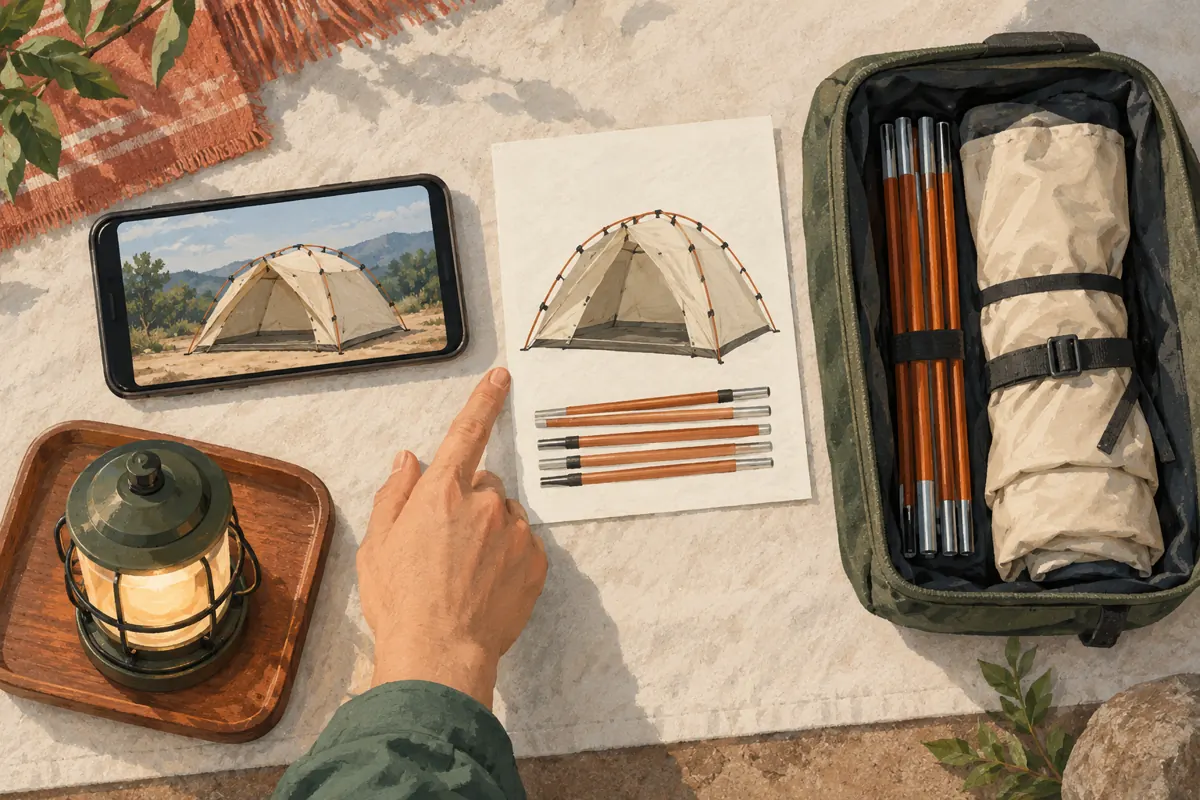
Not automatically. First decide whether its presence implies inclusion. If the presenter repeatedly describes the tent and lantern as one package, scattered cuts may leave a fragmented or misleading video. A new demonstration with a clear included-items sequence is usually a more understandable editorial choice. Keep the replacement focused on the product customers can actually obtain.
Is updating the description enough when the spoken offer is wrong?
A description update helps, but viewers may hear the offer without reading the surrounding text. Review the video itself and remove or replace the inaccurate passage where practical. Until the contradiction is resolved, avoid sending new promotional traffic to it. Staff should also acknowledge the earlier wording when responding to people who already watched it.
Does a source backup let us restore the old video exactly?
A backup preserves the recording for future editing; it should not be treated as a promise that the previous published state can be restored with one action. Plan the cut carefully before saving. Keep the original source, the reason for the edit and the approved result so another team member can understand what changed.
What if customers have already received links to the old offer?
Review the places the shop controls, such as saved sales replies and promotional posts, and correct their wording. Where a customer has an active quotation, address that conversation directly and privately. Do not assume that changing the public video settles an earlier agreement or informs everyone who watched the original version.
Would purchased comments help show that the corrected demonstration is useful?
No. Ordered comments cannot establish independent understanding or satisfaction, and artificial engagement can conflict with YouTube’s rules. Ask a colleague to explain the demonstration without coaching, then listen to genuine customer questions. Those checks address the actual problem: whether the current package and setup process are understandable.
Explore the current service catalogue, create an account, or ask a specific question through support tickets.
Prepared with AI assistance. Illustrations explain the workflow and do not represent customer results.